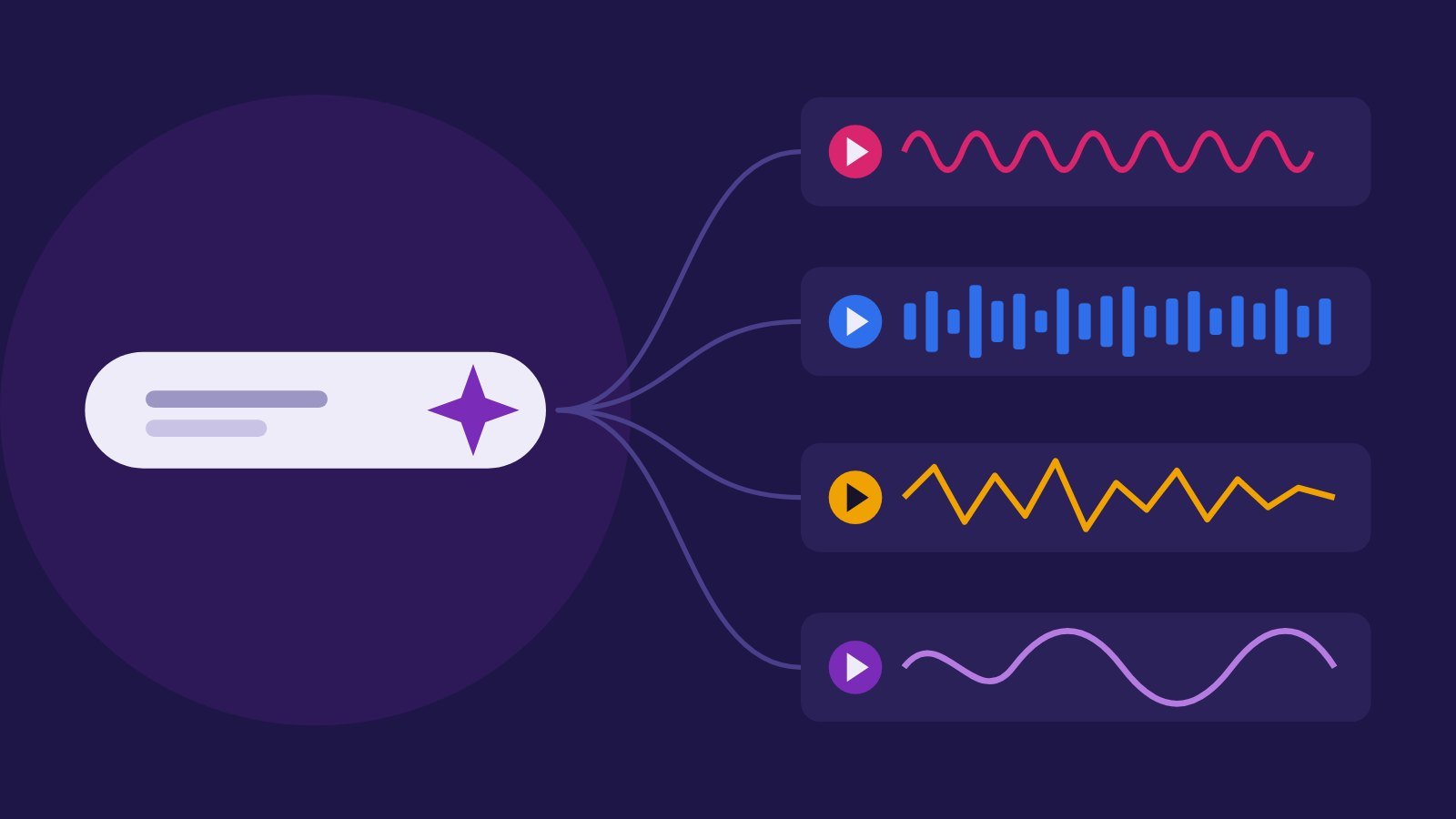
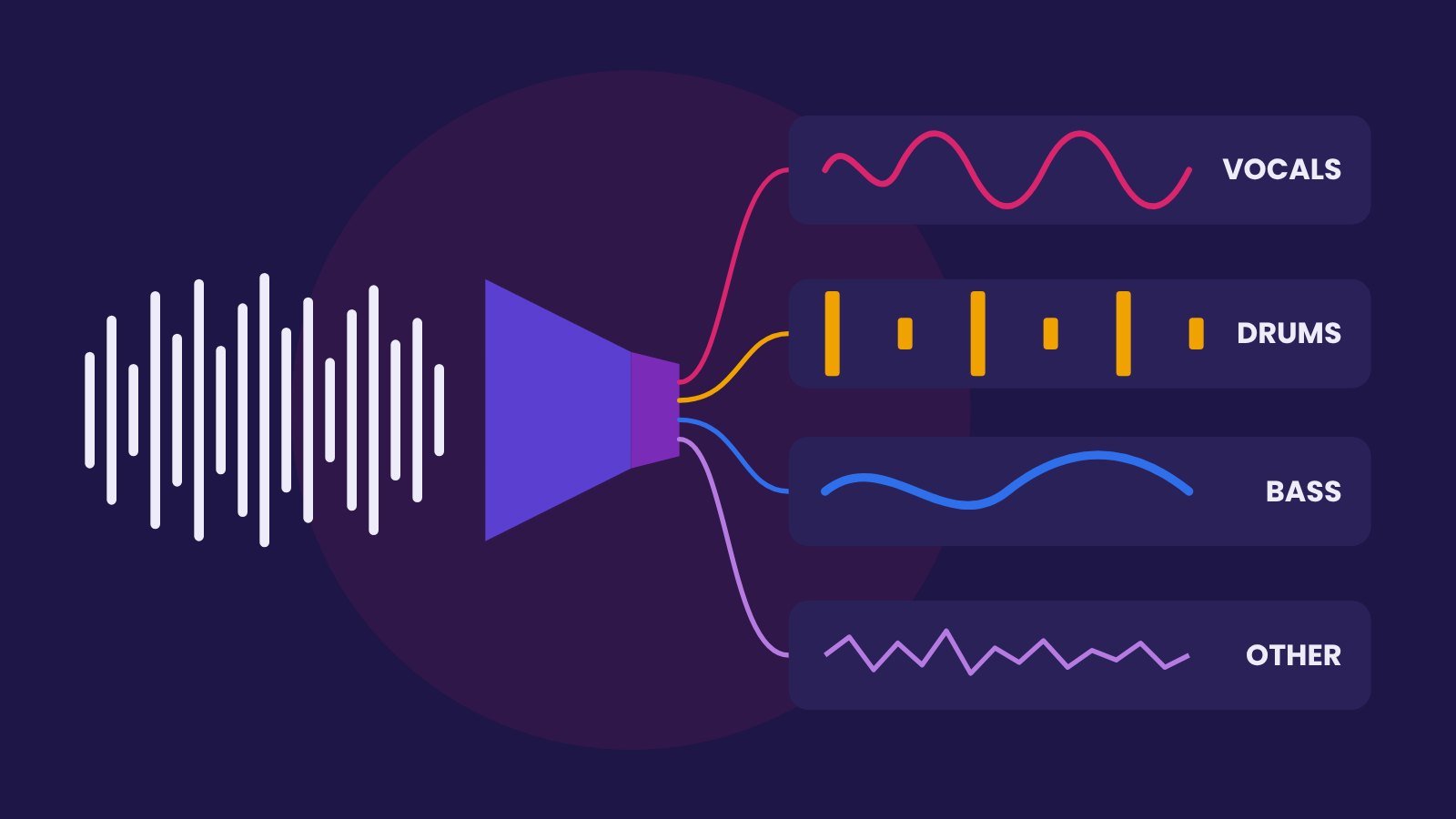
If you make YouTube videos, podcasts or shorts, you need background music that won't get your video claimed or demonetised. AI music generators promise endless royalty-free tracks, but each one has different rules about monetisation, Content ID and what happens after you cancel. We read the pricing and licence pages on 25 October 2026.
Quick answer
- Free and safest: YouTube's own Audio Library. YouTube says its tracks are copyright-safe and won't be claimed by Content ID, and you can monetise videos that use them.
- AI background music for a monetised channel: SOUNDRAW (commercial use from its $16.99/month Creator plan) or Mubert Render Pro ($39/month, or $32.49 billed yearly).
- Songs with vocals: Suno, but only songs made while on a paid plan come with commercial rights. See our Suno and Udio guide.
Compared: what each plan allows
| Tool | Cheapest plan for monetised videos | Content ID | After you cancel |
|---|---|---|---|
| YouTube Audio Library | Free | Downloaded tracks won't be claimed | Not a subscription; some tracks need a credit in the description |
| SOUNDRAW | Creator, $16.99/month ($11.04/month billed yearly), "Commercial use" | You may not register tracks in Content ID | Licence page notes some Artist-plan content must stay under an active subscription; check your case |
| Mubert Render | Pro, $39/month ($32.49/month billed yearly); Creator is non-commercial | You may not register tracks in Content ID | Videos published while subscribed stay up and monetised; old tracks can't go into new projects |
| Beatoven.ai | Paid plans; prices weren't shown on its pricing page when we checked | No registering tracks in Content ID | Not stated on the pricing page |
| Suno | Pro or Premier: songs made while subscribed get commercial rights | Check Suno's terms | Songs made during the subscription keep their rights; upgrading doesn't cover earlier free songs |
Five licence traps
- The cheap plan may be non-commercial. Mubert's Creator plan is for non-monetised content; you need Pro or Business to monetise.
- Never register AI tracks in Content ID. SOUNDRAW, Mubert and Beatoven.ai all forbid it. Doing so can trigger claims on other creators' videos and break your licence.
- "Royalty-free" is not "copyright-safe" on YouTube. YouTube only vouches for its own Audio Library. Keep the licence certificate or download receipt for any other track in case of a claim.
- Cancelling can matter. Mubert lets videos published during your subscription stay monetised, but you can't use those tracks in new videos afterwards.
- Disclose when AI music is the main focus. YouTube asks creators to label realistic AI content and lists AI-generated music that is the main focus of a video as an example. Quiet background music under a talking video is a different case, but read our music video guide for how the label works.
A safe workflow for creators
- Pick the mood and length you need (intro sting, 3-minute bed, outro).
- Generate a few options and download the WAV plus the licence certificate.
- Keep a simple log: video title, track name, tool, plan, date.
- Duck the music under your voice (around 15 to 20 dB below speech is a common starting point) so dialogue stays clear.
- If a claim appears, dispute it with your licence certificate.
Or make your own
Your own music is the only track that is truly yours. A free DAW and a few loops get you a simple background bed in an afternoon: start with our free song workflow, or generate a draft locally with ACE-Step.
Questions people ask
Can I use AI music in monetised YouTube videos?
Yes, if your plan includes commercial use: for example SOUNDRAW's Creator plan or Mubert Render Pro. Mubert's Creator plan is for non-monetised content only.
Is AI music copyright-free on YouTube?
Not automatically. YouTube only guarantees its own Audio Library as copyright-safe. Keep the licence certificate for any AI track you use.
Can I register AI-generated music in Content ID?
No for SOUNDRAW, Mubert and Beatoven.ai: their terms forbid registering their tracks in Content ID.
What is the best free background music for YouTube?
YouTube's Audio Library in YouTube Studio. Some tracks require a credit in the description; filter by 'Attribution not required' to avoid that.