You can make a finished, release-ready song without paying for software. This guide strings together free, open-source projects that thousands of creators rely on, ranked among the most-starred in their category on GitHub, into one workflow. At the end you will have three files: a mastered WAV, a 3000 × 3000 cover image and an MP4 music video.
The toolkit
Never used GitHub? Use the pink buttons: they go to each tool's download page or browser version, not to the source code. If you do land on a GitHub page full of files, read how to download free tools from GitHub (two minutes).
Free DAW for beats, synths and arranging on Windows, Mac, Linux.
Browser DAW, no sign-up, about 30 built-in devices.
Turns a sung or played recording into editable MIDI.
Local text-and-lyrics to song generation, 10 s to 10 min.
Free desktop app to separate vocals and instruments.
Masters your track to match a reference song.
Node-based app for local image (and video) generation.
Audio-reactive visuals exported as MP4.
Star counts were read on each project's GitHub page on 25 October 2026. You don't need every tool: steps 3 and 4 are optional.
Step 1: Pin down the idea in 15 minutes
- Write one sentence about the song: who is speaking, to whom, and what changes by the end.
- Pick a reference: one released song with the tempo, mood and sound you want. You'll use it again when mastering.
- Choose a key and open it in our scale helper so every melody note and chord fits.
Step 2: Sketch the beat and chords in a free DAW
Install LMMS (Windows, Mac, Linux), or open openDAW in your browser with no sign-up. Then:
- Set the tempo from your reference.
- Program a 4-bar drum loop: kick, snare or clap, hats.
- Add four chords from the scale helper, then a bassline that follows the root notes.
- Duplicate it to 8 bars. Don't polish yet.
Prefer a more conventional free DAW? See the best free DAWs.
Step 3 (optional): Hum your melody and turn it into MIDI
Most people can sing a melody they can't play. Record yourself humming over the loop on your phone, then drop the file into Basic Pitch, Spotify's free audio-to-MIDI converter. Download the MIDI, import it into your DAW and assign any synth or piano. Basic Pitch works best on one voice or instrument at a time, so record the melody alone. Then shape it with our seven melody techniques.
Step 4 (optional): Generate an AI draft to react to
Stuck? ACE-Step 1.5 generates full songs with vocals locally from a description and your own lyrics. Use it as a sketchpad: hear your lyrics in three styles, keep what works, and rebuild the parts in your DAW. Follow our ACE-Step step-by-step guide, and read the rights section before releasing anything that includes AI output.
Step 5: Arrange it into a full song
Copy your loop across three minutes and remove parts section by section: intro, verse, chorus, breakdown, final chorus, outro. Our 8-bar loop to full song guide has the energy map and transition tricks.
Step 6: Record vocals and mix
- Record vocals with closed-back headphones so the beat doesn't leak into the mic.
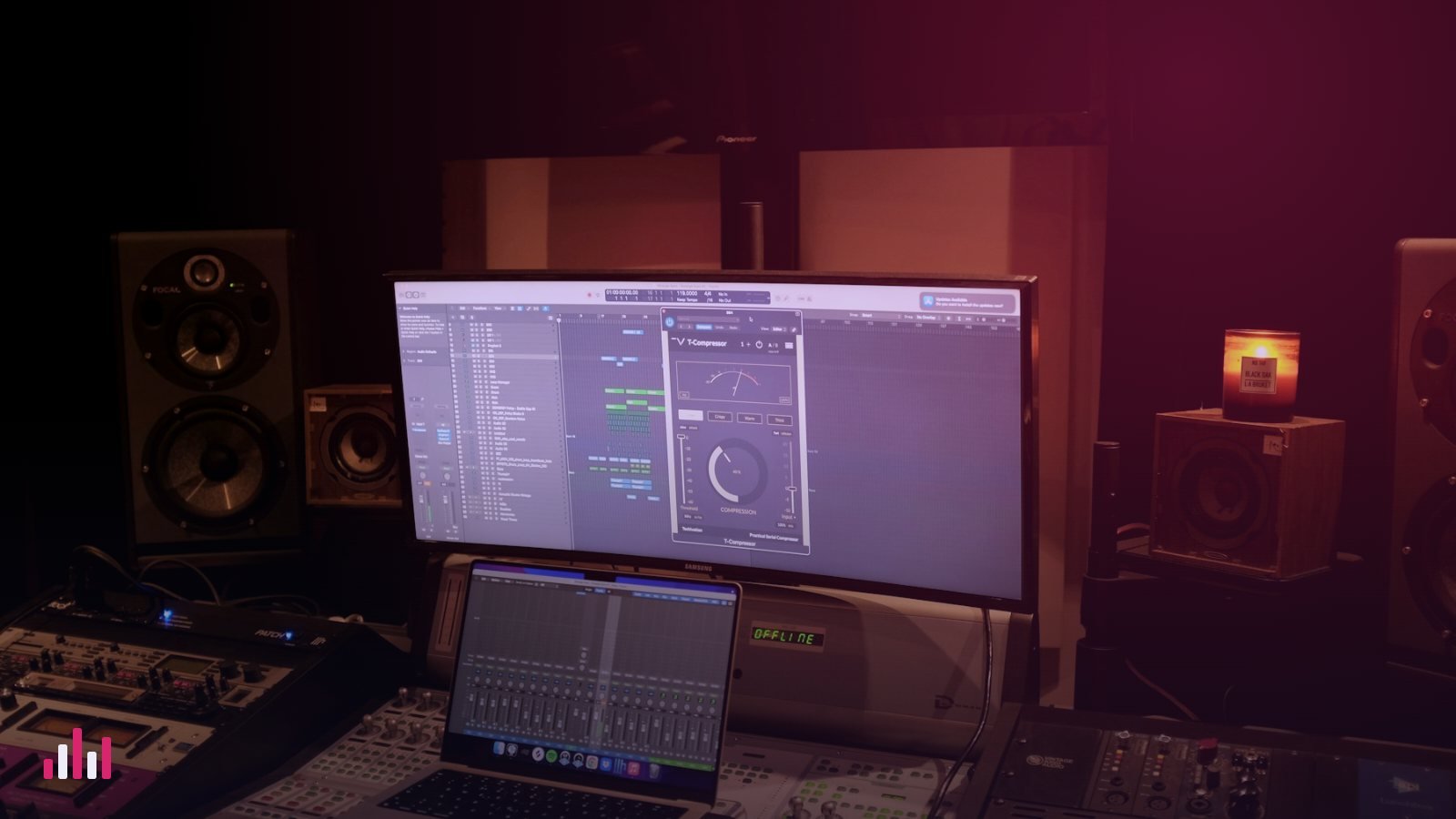
- Mix with free plugins: EQ, compression, de-esser, reverb on a send. See how to mix vocals and the best free VST plugins.
- Want to re-use an old bounce where the vocal and beat are stuck together? Split it with Ultimate Vocal Remover (on that page, scroll to Assets and download
UVR_v5.6.0_setup.exefor Windows or the.dmgfor your Mac). Only do this with your own music. - Export the mix as a 24-bit WAV with the master fader peaking around −6 dB and no limiter on it.
Step 7: Master by matching your reference
Matchering 2.0 masters your mix (the target) so its loudness, frequency balance, peak level and stereo width match your reference track. Three ways to run it:
- Easiest: it is built into Ultimate Vocal Remover, which you may already have from step 6. Pick Matchering as the process method in UVR's audio tools, load your mix as the target and your reference song, and process.
- No install: use one of the hosted versions listed in its README.
- Python:
pip install -U matchering, then callmg.process()with your target, your reference and a 24-bit WAV result.
Listen to the result next to the reference at the same volume. If it's harsh or crushed, your mix needs work, not the master: fix it with our mix troubleshooting table.
Step 8: Make the cover art
Streaming stores want a square JPG in RGB, ideally 3000 × 3000 pixels, with no blur, no watermarks, no other brands' logos, and any text matching your artist name and title exactly.
- Take a photo yourself, or design it, or generate a base image locally with ComfyUI (download the desktop app for Windows or Mac).
- If you generate it, use a model whose licence allows commercial use, such as FLUX.1 schnell (Apache-2.0), and describe a scene, not an existing artist or character.
- Upscale with a proper upscaling model rather than stretching a small image, then add your title and artist name.
- Export as a 3000 × 3000 JPG. Check it at thumbnail size: it must still read on a phone.
Step 9: Make a music video
Turn your master and cover into an audio-reactive video with Astrofox: load the audio, put your cover in the Image layer, keep the Bar Spectrum, and export an MP4. Full walkthrough: make a music video for free.
Release checklist
- Master: WAV, 24-bit (or the format your distributor asks for).
- Cover: 3000 × 3000 JPG, RGB, text matches metadata.
- Video: MP4, H.264, AAC audio.
- Rights: every sample, loop and AI-generated part is cleared for commercial release. See our licence checklist.
- Credits: if you used AI, say so in your notes; some platforms ask.
Questions people ask
Can I make a whole song with only free software?
Yes. A free DAW such as LMMS, free plugins, Matchering for mastering, ComfyUI or your own photo for the cover and Astrofox for the video cover the whole process.
Do I need a powerful computer?
Only for the AI steps. Writing, mixing, mastering with Matchering and Astrofox run on an ordinary laptop. ACE-Step and ComfyUI are much faster with an NVIDIA GPU or an Apple silicon Mac.
Can I release a song that used AI tools?
Often yes, but check the licence of the model, the terms of your distributor and any platform rules, and never imitate a real artist's voice or reuse someone else's recording.