A MIDI keyboard (or MIDI controller) sends notes and knob movements to your computer, where your DAW plays them with virtual instruments. It's the fastest way to write melodies, chords and drum parts, even if you never learned piano. Prices below were checked on 25 October 2026 on each maker's store or Sweetwater.
Quick answer
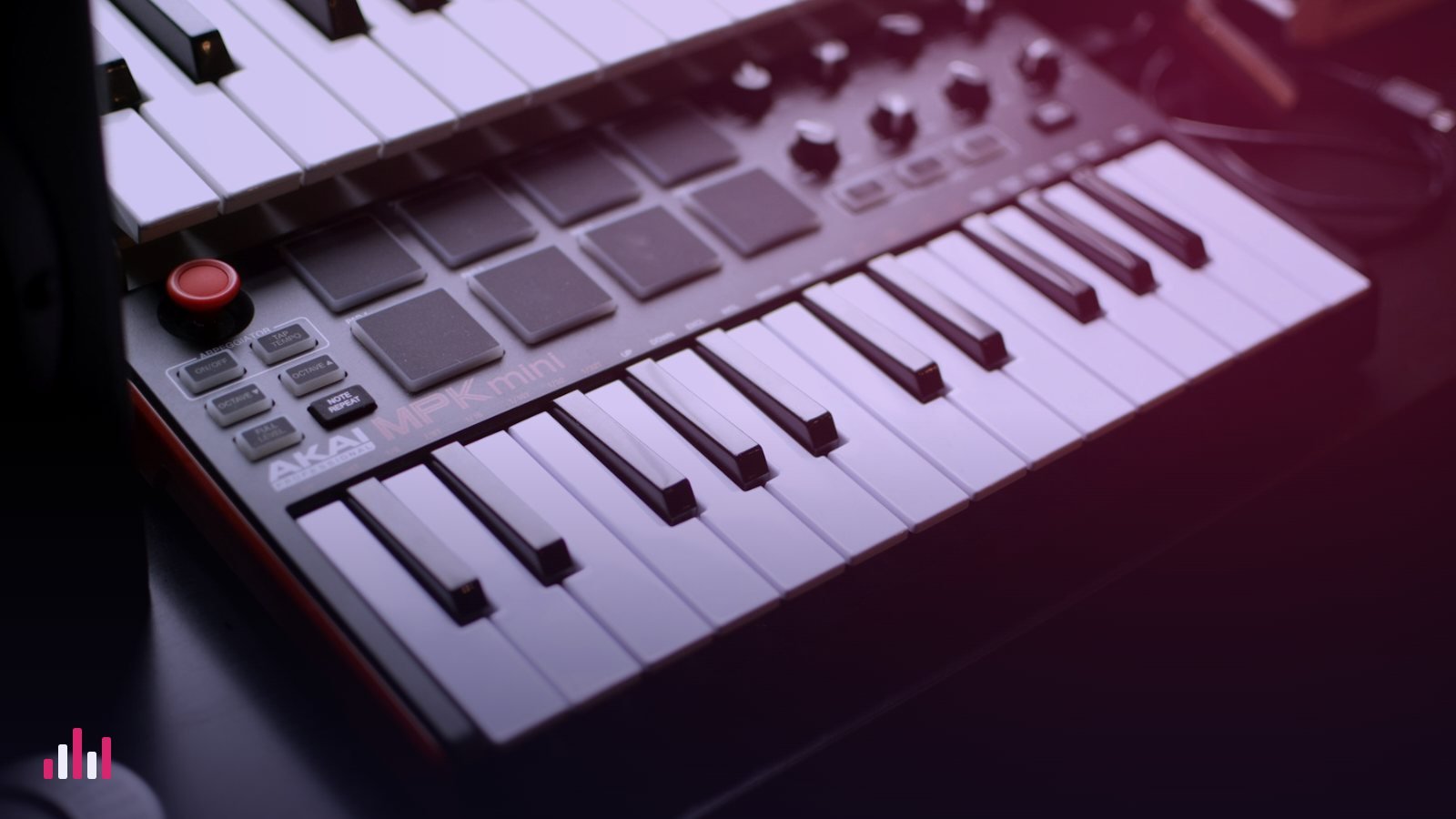
- Best first controller: Akai MPK Mini IV ($99). Small, cheap, with pads and scale and chord modes.
- Best software bundle and controls: Arturia MiniLab 3 ($149).
- Best if you want to play with two hands: Novation Launchkey 49 MK4 ($279.99), 49 semi-weighted keys.
Side by side
| MPK Mini IV | MiniLab 3 | Launchkey 49 MK4 | |
|---|---|---|---|
| Price | $99 | $149 | $279.99 |
| Keys | 25 compact | 25 slim, velocity-sensitive | 49 semi-weighted, full size |
| Pads | 8 MPC-style, RGB | 8, velocity and pressure | 16, polyphonic aftertouch |
| Help for non-players | Scale and Chord Modes, arpeggiator | Not a highlighted feature; use your DAW's scale tools | 30 scales, Chord Map, Fixed and User Chord |
| Pitch / mod | Wheels | Touch strips | Wheels |
| Extras | Colour screen, 8 knobs, MIDI out | 8 encoders, 4 faders, pedal input, MIDI out | Knobs, sustain pedal input, MIDI out |
| Software | Ableton Live Lite 12, 1,000+ sounds | Live Lite, Analog Lab Intro, Komplete 15 Select | Live Lite, Cubase LE, Komplete 15 Select and more |
25, 49 or 61 keys?
- 25 keys: two octaves. Perfect for basslines, melodies, drums and chords with one hand, and fits beside a laptop. You'll use octave buttons a lot.
- 49 keys: four octaves, chords with the left hand and melody with the right. The sweet spot if you want to get better at playing.
- 61+ keys: for people learning piano properly, ideally with weighted keys.
What actually matters for a beginner
- Velocity-sensitive keys, so playing harder sounds louder. All three have them.
- Pads for drums; finger-drumming a beat is faster than clicking it in.
- Scale and chord modes if you don't play: pick a key and every pad or key stays in it, and one finger plays a full chord. Pair them with our scale helper and melody techniques.
- A sustain pedal input if you'll play piano parts (MiniLab 3, Launchkey).
- Bundled software: each comes with Ableton Live Lite, which is enough to start. Compare it with other options in our free DAW guide.
What you don't need yet: motorised faders, aftertouch on every key or 88 keys.
Set it up in five minutes
- Connect the keyboard with its USB cable. All three are powered by USB.
- Open your DAW's MIDI or controller settings and select the keyboard as an input. Many DAWs detect it automatically.
- Create an instrument track (a piano or synth) and arm it. Press a key: you should hear sound.
- Hearing a delay between key and sound? Lower the buffer size, as in our latency fix guide.
- Load a free instrument from our free VST list, such as a free piano.
Questions people ask
What is the best MIDI keyboard for beginners?
The Akai MPK Mini IV is the best first controller at $99, with pads and scale and chord modes. If you want to play with two hands, the 49-key Novation Launchkey 49 MK4 is the better long-term choice.
Do I need to know piano to use a MIDI keyboard?
No. Scale and chord modes keep every note in key and let one finger play a full chord, and you can always fix timing and notes afterwards in your DAW's piano roll.
Does a MIDI keyboard make sound on its own?
No. It sends notes to your computer, and your DAW or a virtual instrument makes the sound. You need a DAW or a standalone instrument app running.
Is 25 keys enough?
For beats, basslines, melodies and one-hand chords, yes. Choose 49 keys if you want to play chords and melody at the same time.