Every interface here records cleanly enough for release-quality home music. The differences are in inputs, extras and workflow, so pick the one that matches how you record. If you are unsure what the specs mean, read how to choose an audio interface first.
Quick answer
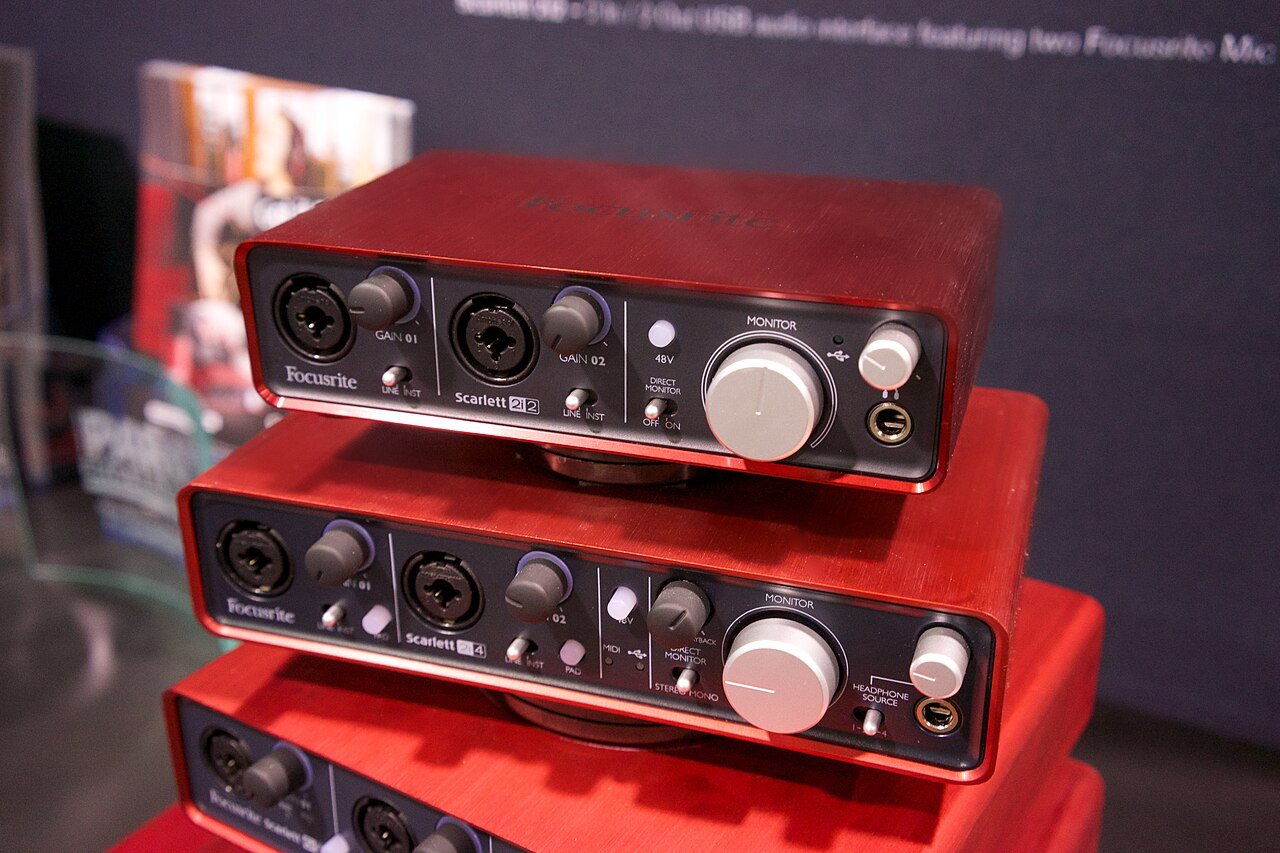
- Most people: Focusrite Scarlett 2i2 (4th gen). Two inputs cover a vocal and a guitar at the same time.
- One voice or one instrument: Audient iD4 MkII. One mic input plus a dedicated instrument input.
- Streaming and podcasts: MOTU M2. Clear front-panel meters and loopback for mixing computer audio into a stream.
- Vintage colour: Universal Audio Volt 2. A Vintage mode adds warmth on the way in.
How we chose
We looked for interfaces that are widely available, have current drivers for Windows and macOS, use USB-C, include 48V phantom power and are easy for a beginner to set up. We left out models with more inputs than a home producer typically needs. Prices change often, so check the official pages and your local stores.
Which one is right for you
| You mainly... | Choose |
|---|---|
| Sing and play guitar, sometimes together | Scarlett 2i2 or Volt 2 |
| Record one thing at a time | Audient iD4 MkII |
| Stream, podcast or record calls | MOTU M2 |
| Produce in the box with occasional vocals | Any of the four |
What else you need
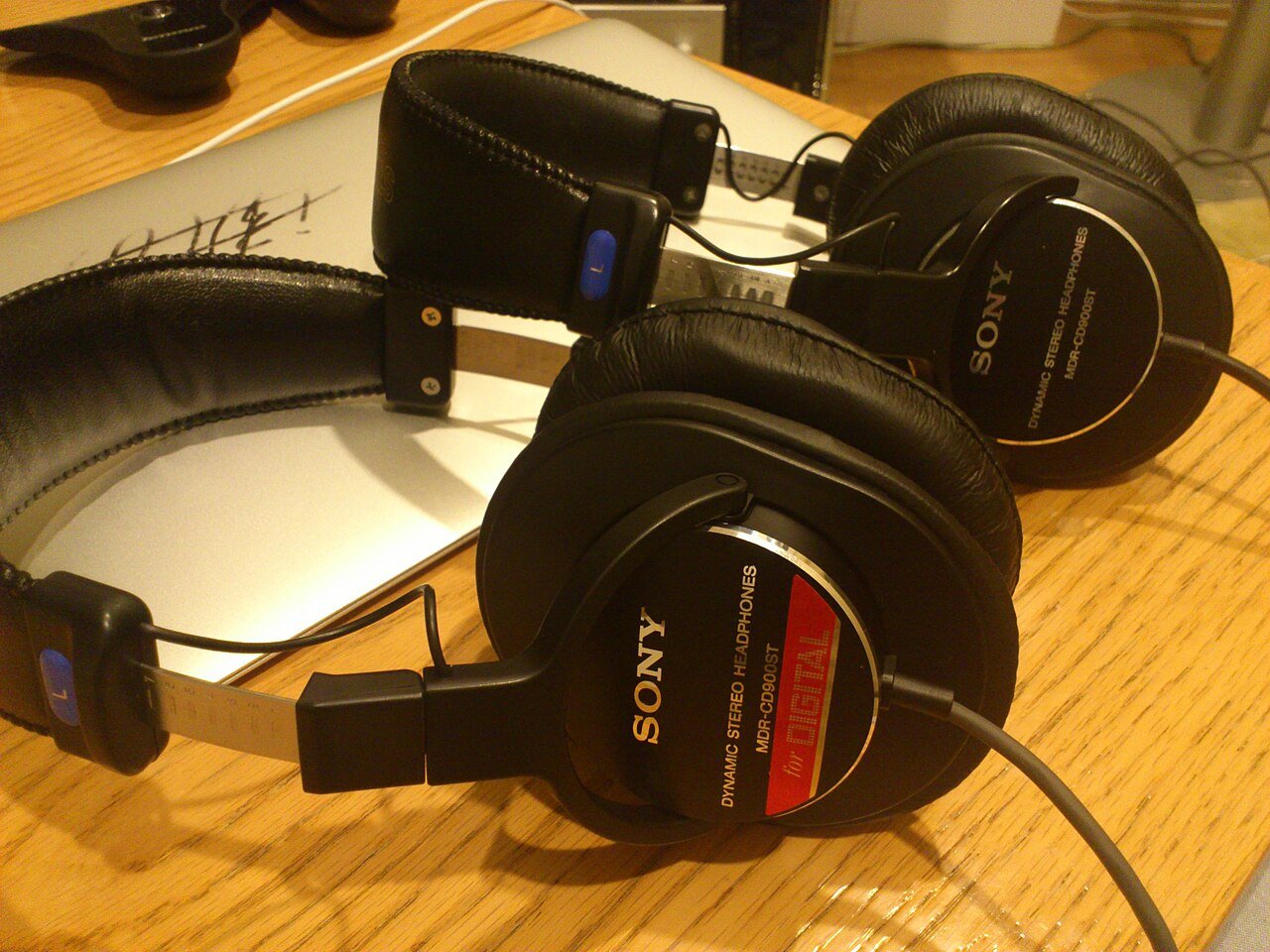
A microphone and cable (XLR), headphones and a pair of speakers or monitors when your room allows. See our studio headphone picks and headphones vs monitors.
Avoid these mistakes
- Buying more inputs than you will use. Eight inputs only help if you record eight sources at once.
- Recording too hot. Set levels so peaks sit around -12 to -6 dBFS (see gain staging).
- Monitoring through Bluetooth. Use wired headphones to avoid delay.